
Enter the names and the card is made. It appears at the bottom of this section.
Enter your first and last name as you typed them when paying. This name is printed on the card. The recipient tells it to us when booking, and we check it against the payment record.
You can leave this empty (you can also write the name by hand after printing).
Ticket you bought
Please choose the ticket you bought.
Today's date is filled in. If you paid on a different day, please change it.
Valid until:
The names you enter are used only on this page, on your device, to make the card image. This page does not send them to FitSync.
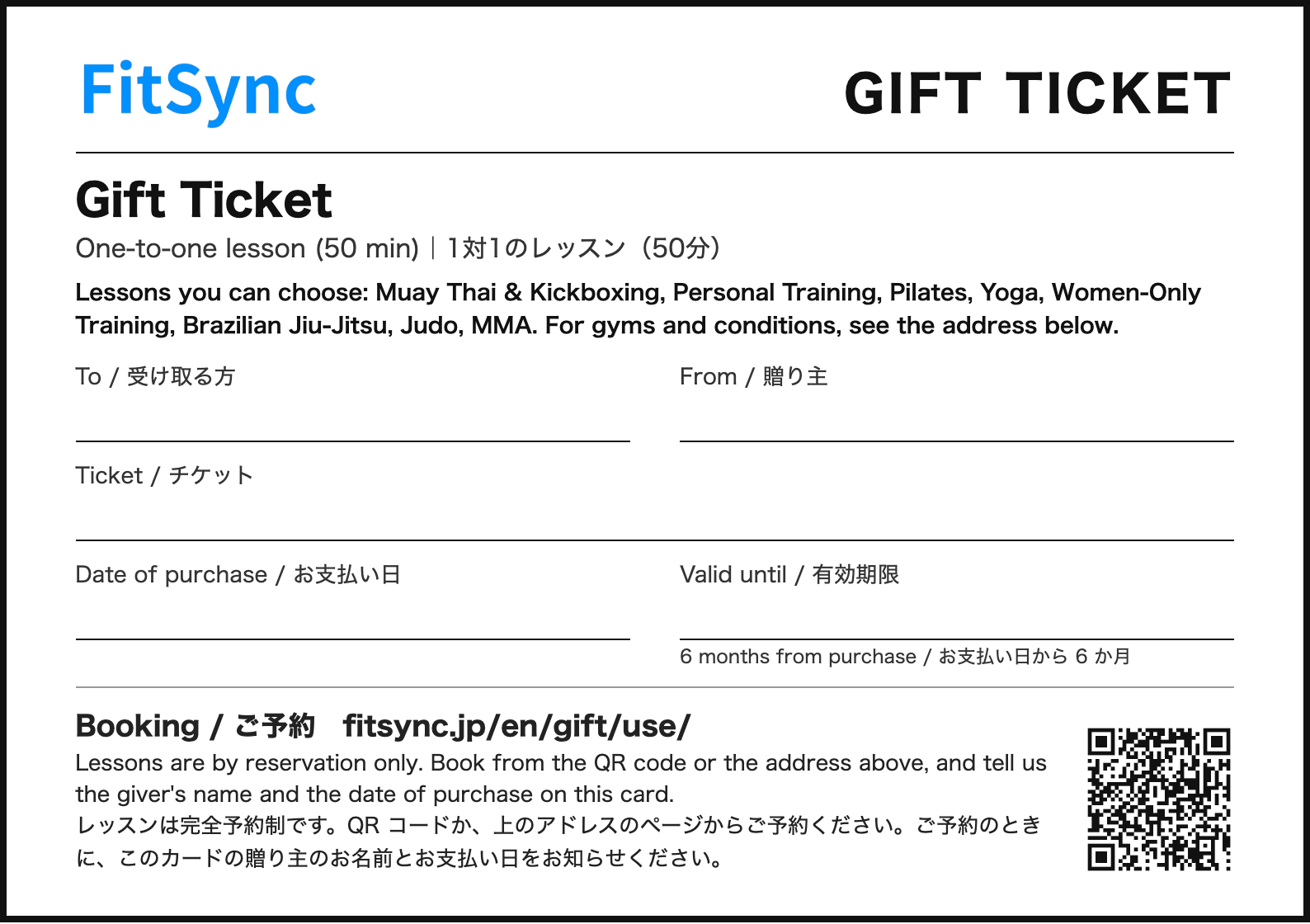
If the card does not appear, save the blank card (image) and write the giver's name, the ticket and the date of purchase on it.
Send two things: the card image, and the message shown below the buttons. The message has the link to the page where the recipient books.
Please enter your name (the giver).
Please choose the ticket you bought.
If sending or saving does not work, press and hold the card image to save it, or open this page again in Safari or Chrome.
You can attach the saved image to a LINE message or an email. You can also press and hold the card image to save it.
You can also print the card and hand it over or send it by post. You do not need to give FitSync the recipient's address.
The recipient scans the QR code on the card (or opens the link in your message), chooses the lesson, gym and date, and books. When booking, the recipient tells us the giver's name and the date of purchase shown on the card.
Your receipt is emailed by Square to the address you entered when paying.